
Quick answer
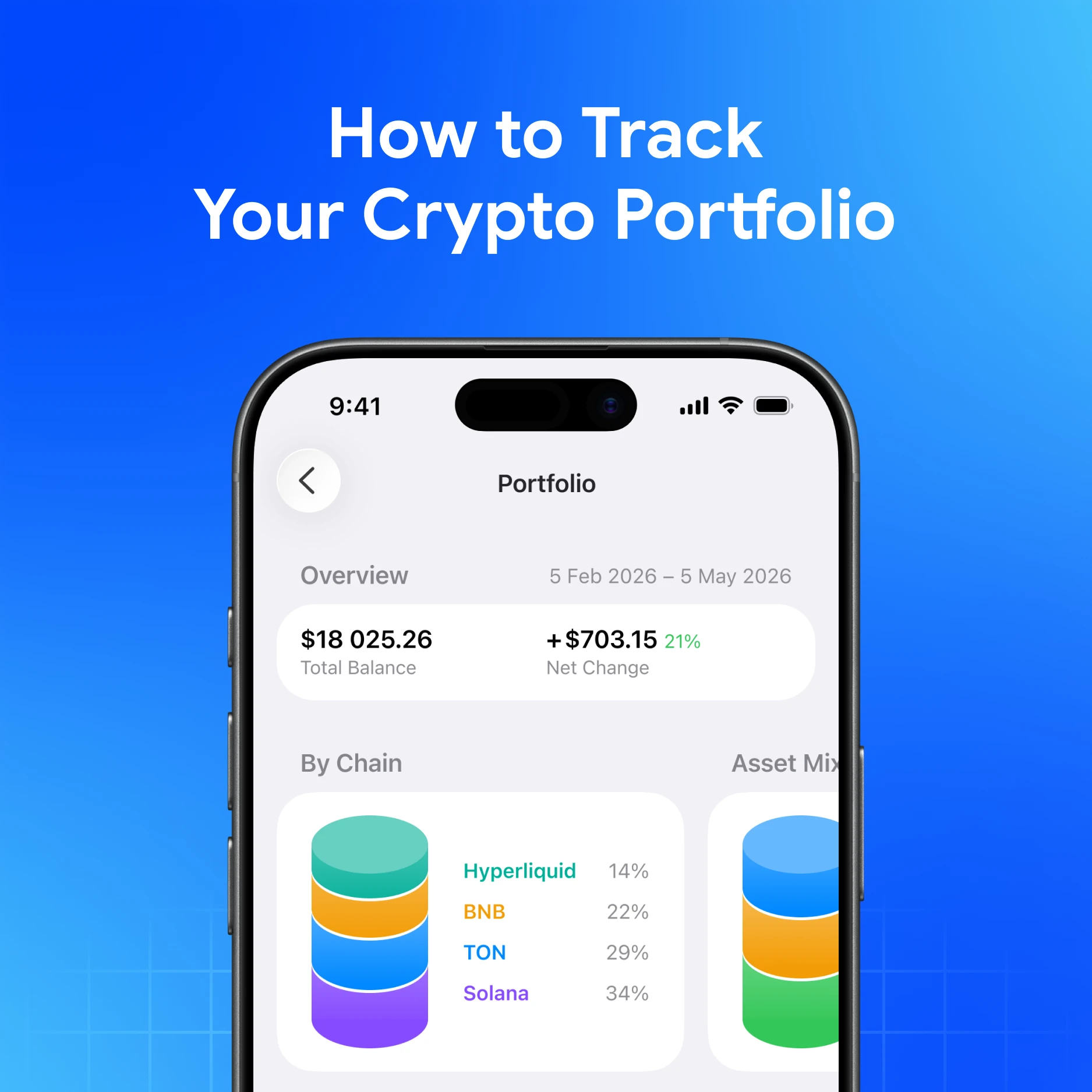
Start in a multichain non-custodial wallet that shows balances and history in one home. In My Wallet, there's a Portfolio Chart (performance over time, overall and daily P&L, composition in your base currency) plus balances and action history across supported networks. Pair that with a short weekly checklist: right networks, updated prices, and no forgotten exchange leftovers.
What “tracking” should include
| Piece | Why it matters |
|---|---|
| Balances by asset and network | USDT on TRON is not USDT on Ethereum |
| Base currency view | Fiat framing for decisions you already make in local money |
| History / TXID | Proof of sends, swaps, and deposits |
| P&L and composition | Direction of change—not a promise of future returns |
| Separate hot vs cold / exchange leftovers | Avoid double-counting or missing coins |
Charts and P&L are informational. They are not guaranteed returns, passive income, or risk-free performance.
Step 1: Put holdings in a clear home
If your crypto life spans Bitcoin, Ethereum, Solana, TON, TRON, and more, one multichain self-custody app reduces blind spots.
My Wallet covers seventeen networks: Bitcoin, Ethereum, Solana, Hyperliquid, TON, TRON, BNB, Base, Robinhood, Monad, Arbitrum, Polygon, Avalanche, Dogecoin, Litecoin, Bitcoin Cash, and Arc—under one seed you control.
Specialist wallets (MetaMask, Phantom, Keeper, Trust Wallet, Coinbase Wallet, Rabby, Ledger Live) can still hold slices of a portfolio. Tracking gets harder when each slice lives only in its own UI.
Step 2: Use in-wallet portfolio tools
My Wallet’s Portfolio Chart can help you:
- Inspect value over chosen time ranges in your base currency
- Review overall and daily P&L
- See composition by asset share
- Break down by network, asset type, and staking where shown
- Focus the chart on specific tokens (including long-press filters)
Also use:
- Balances and actions history for what moved
- Token pages for market context on assets you already hold
- Hide / sort networks so empty chains do not clutter the card
- View Mode (TON / TRON addresses) if you only need to watch an address without importing keys
Exact labels can differ slightly by platform—follow the on-screen Portfolio / Settings paths.
Step 3: Keep a lightweight checklist
Once a week (or after any large move):
- Confirm deposits landed on the intended network.
- Note open staking or locked positions so liquid balance is not misread.
- Reconcile any remaining exchange balances you still plan to withdraw.
- Archive TXIDs for large transfers (find the TXID in-app, then verify on an explorer).
- Re-check that your seed backup is still readable—tracking means nothing if you lose access.
Step 4: Avoid common tracking traps
- Wrong network labels — same ticker, different chain
- Double-counting — same seed imported in two apps counted twice in a spreadsheet
- Stale fiat rates — charts use historical rates; markets move
- Ignoring fees — sends and swaps change net value; see Understanding Network Fees
- Treating P&L as advice — it describes the past of your holdings, not what you should buy next
When a separate tracker still helps
Some people add a read-only tracker or tax export tool for accounting. Prefer watch-only / public addresses over pasting seeds into third-party sites. Never enter a seed phrase to “sync portfolio analytics.”
Download My Wallet
Download My Wallet to track multichain balances from self-custody—you hold the keys.
FAQ
Can I track without giving up custody?
Yes. Use a non-custodial wallet or watch-only views. Sharing a seed with a “portfolio sync” service hands over the keys.
Why don’t my balances match another app?
Different networks, pending transactions, hidden tokens, staking locks, or price sources. Compare address + network + TXID, not logos alone.
Does portfolio tracking guarantee profit?
No. Charts describe past value changes. Crypto can go down as well as up.
Helpful My Wallet guides
- Portfolio Chart
- Net Worth Chart
- Check Balances and Actions History
- Base Currency
- What cryptocurrencies are supported in My Wallet?