
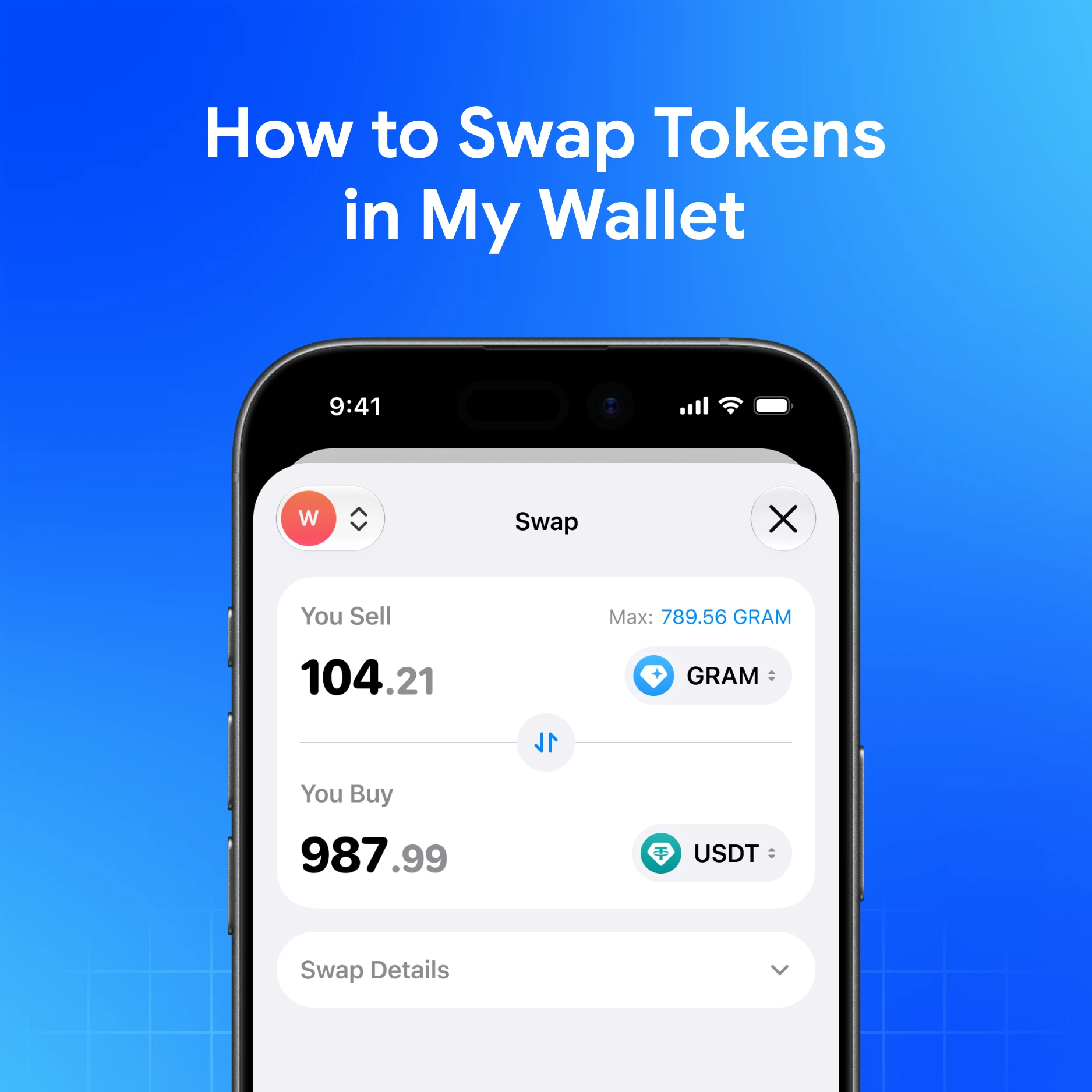
Swapping in My Wallet routes through an in-app aggregator so you can exchange supported tokens without leaving self-custody—after you confirm amount, network, and fees.
Quick answer
Open Swap in My Wallet, pick the token you pay with and the token you want, review the quote, then confirm. Expect a 0.875% swap aggregator fee plus network (gas) fees on the chain that executes the swap. My Wallet is non-custodial: you sign; the app does not hold your seed.
Before you swap
- Confirm you are on the correct network for both tokens (for example USDT on TRON vs USDT on Ethereum are different assets).
- Keep enough gas token for the network fee (ETH, SOL, TON, TRX, BNB, BTC, etc., depending on chain).
- Start with a small test if the route or token is new to you.
- Download only from official My Wallet links—fake swap UIs are a common phishing pattern.
Step-by-step
- Open My Wallet and unlock the app.
- Go to Swap (label may vary slightly by platform).
- Select the token you spend and the token you receive.
- Enter the amount. Read the quote: rate, estimated output, and fee breakdown.
- Check network and gas estimate. If something looks wrong, cancel.
- Confirm and sign the transaction.
- Wait for confirmation; balances update when the chain includes your tx.
Exact menu names can differ on mobile, desktop, extension, or Telegram—follow the on-screen Swap flow rather than memorizing a single path.
Fees you should expect
| Fee | What it is |
|---|---|
| 0.875% swap aggregator fee | Charged on the swap route via My Wallet’s aggregator |
| Network fees | Paid to the blockchain (gas) for including your transaction |
| Other | Some routes may show price impact or minimum received—read the preview |
There is no honest way to promise a “best rate forever.” Quotes move with liquidity and market conditions. What you can do: read the preview every time.
Cross-chain vs same-chain
- Same-chain swaps stay on one network (for example SOL to a Solana token).
- Cross-chain routes (when offered) bridge or route across networks—more steps, more ways to mis-select an asset. Double-check logos and networks.
If a route is unavailable, the tokens may not be supported as a pair yet, liquidity may be thin, or you may need gas on a specific chain first.
Safety habits while swapping
- Verify token contracts / symbols when importing unfamiliar assets.
- Beware of “support” chats that ask you to sign a swap to “verify” funds.
- Do not screenshot seed phrases to “unlock better rates”—that is a scam script.
- For large size, consider splitting trades and confirming the first settle.
See How to avoid crypto phishing scams.
How this compares at a glance
Specialist apps (MetaMask, Rabby, Phantom, Keeper, Trust Wallet, Coinbase Wallet) also offer swaps with their own fee and routing models. Ledger Live focuses more on hardware-managed flows. My Wallet’s edge for many users is multichain self-custody + Telegram + one Swap entry across a wide network set—not a claim that every route is cheapest every second.
Download My Wallet
Download My Wallet to swap from self-custody; you hold the keys.
FAQ
Why did I receive less than the headline rate?
Aggregator fee, network fee, price impact, and quote timing all affect output. The confirmation screen is the source of truth.
Can I swap without gas?
Only if a gasless / sponsored path is enabled for that action. Otherwise keep native gas on the executing network.
Does My Wallet custody my tokens during a swap?
No. You sign a transaction from your non-custodial wallet. Settlement follows the route’s on-chain (or bridge) mechanics.
Are swap profits guaranteed?
No. Swaps exchange assets at market-dependent rates. This is not passive income and not risk-free.