

Most crypto losses for careful users still come from phishing and social engineering—not from breaking cryptography. Protect My Wallet by verifying links, ignoring seed requests, and slowing down before you sign.
Quick answer
Never share your seed phrase, download only from official sites, treat unexpected DMs as hostile, and read every wallet prompt. Official support is @mysupport—and it will never ask for your seed.
Common scam patterns
| Scam | What you see | What to do |
|---|---|---|
| Fake support | “Verify wallet” links in DMs | Ignore; use official support only |
| Fake sites | Look-alike domains / ads | Type get.mywallet.io / mywallet.io yourself |
| Drainers | “Claim airdrop” connect prompts | Reject; research contracts |
| Seed phrase traps | “Import to fix” forms | Never type seeds into websites |
| Address poisoning | Dust txs from look-alike addresses | Copy addresses from trusted saved contacts |
| Clipboard hijacks | Address changes after copy | Re-check first/last characters |
Help Hub: Scams.
Daily defense checklist
- Bookmark get.mywallet.io and help.mywallet.io
- Enable app lock / biometrics
- Prefer small test transfers
- Disconnect unused dapps
- Keep software updated
- Separate “experiment” funds via sub-wallets if helpful
If you think you were phished
- Stop approving new prompts
- Move remaining funds from a secure new wallet only if you still control keys and understand the risk
- Contact official support for guidance—not strangers in comments
- Report the scam domain/account when possible
Stay self-custodial without becoming a scam target
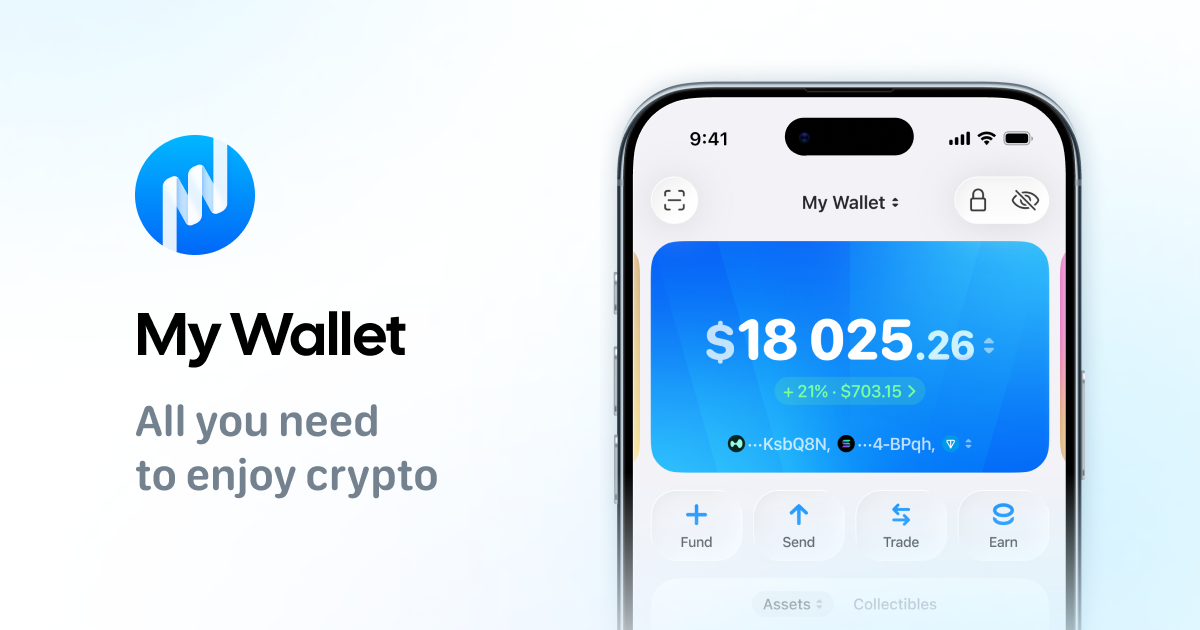
Download My Wallet from official links only—you hold the keys.
FAQ
Can support reset my seed?
No. Non-custodial wallets cannot restore a lost seed.
Are giveaways on social media real?
Assume no—especially if they ask you to send coins first or to “authenticate” with a seed.
Does a hardware wallet stop phishing?
It reduces key-extraction risk but you can still sign malicious transactions. Read prompts.