
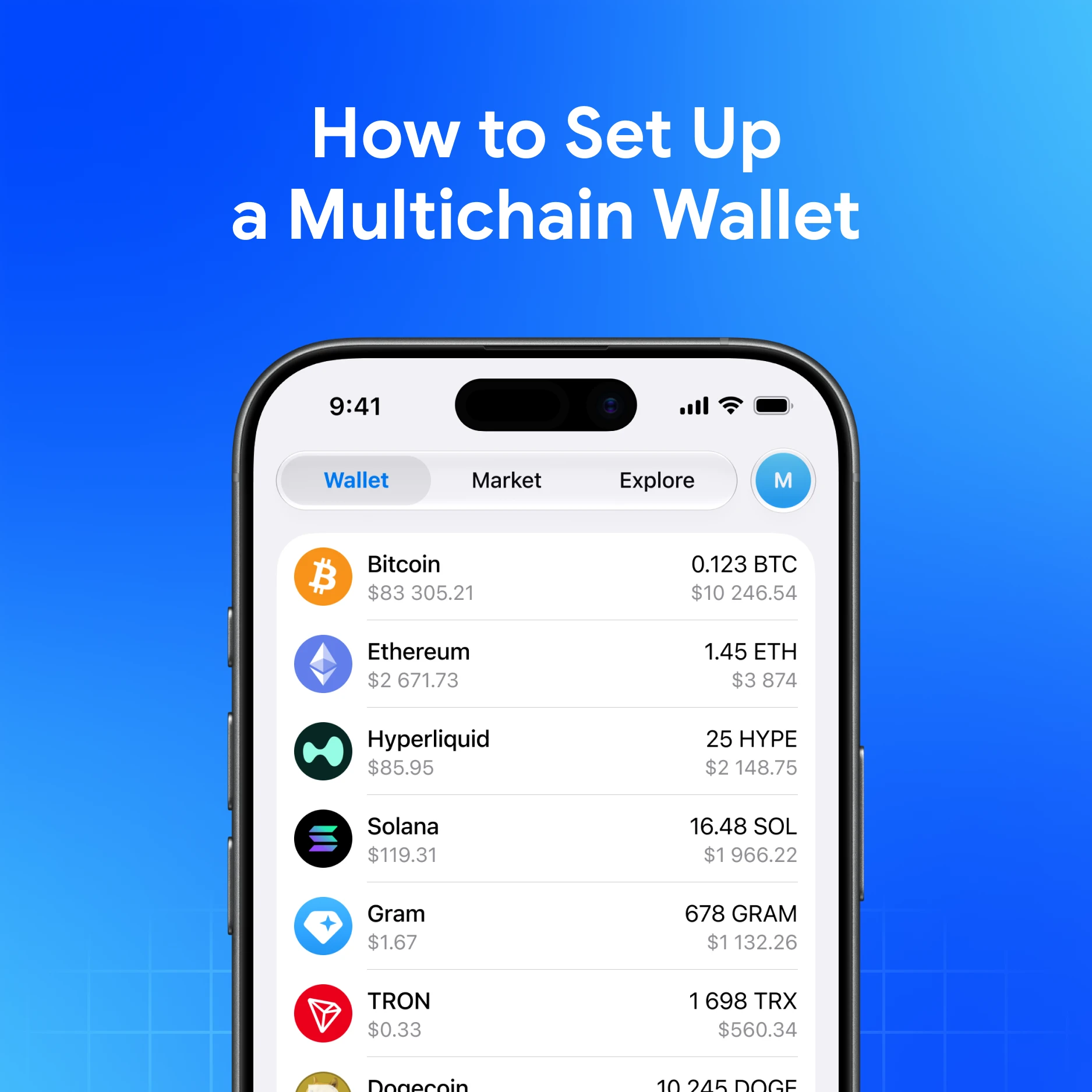
A multichain wallet gives you one seed phrase and many networks. Setting up My Wallet correctly on day one prevents most beginner losses.
Quick answer
Install from official links, create a wallet, back up the seed offline, secure the app, then fund one network with a tiny test amount before you expand.
Setup steps
- Download My Wallet from get.mywallet.io (mobile, desktop, extension, or Telegram Mini App)
- Create a new wallet (Help)
- Write the 12/24-word seed on paper; store offline
- Set password/biometrics and auto-lock (secure guide)
- Review networks in Settings (hide/sort as needed)
- Receive a small amount on your first chain
- Optional: create sub-wallets for separate balances (subwallets)
Networks you can grow into
Bitcoin, Ethereum, Solana, Hyperliquid, TON, TRON, Arc, BNB, Base, Robinhood, Monad, Arbitrum, Polygon, Avalanche, Dogecoin, Litecoin, Bitcoin Cash—and tokens on those networks (full list).
Day-one habits
- One test send before large deposits
- Verify network labels for USDT/USDC
- Use Explore carefully; disconnect unknown dapps
- Swaps: expect network fees + 0.875% service fee
Finish setup in minutes
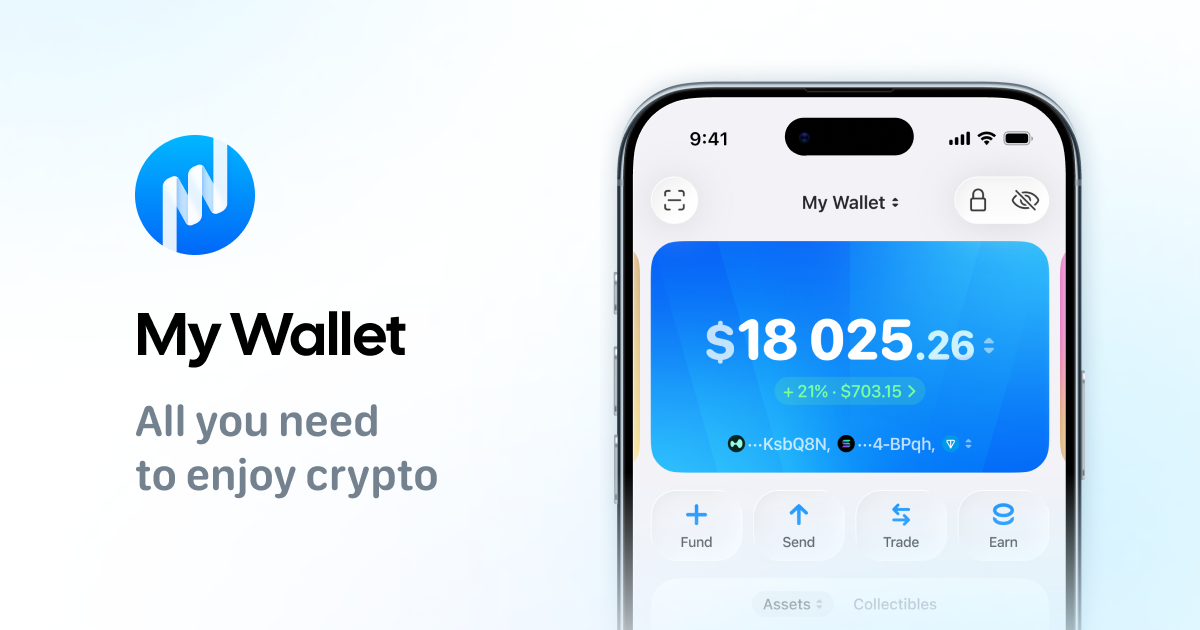
Download My Wallet to set up multichain self-custody—you hold the keys.
FAQ
Can I import an existing seed?
Yes—via seed import (and Ledger on supported flows). Test with small funds first.
Do I need a new seed per network?
No. Multichain derives addresses per network from one seed.
What if I lose the phone only?
Restore with the seed on a new device. Without the seed, funds are not recoverable.