
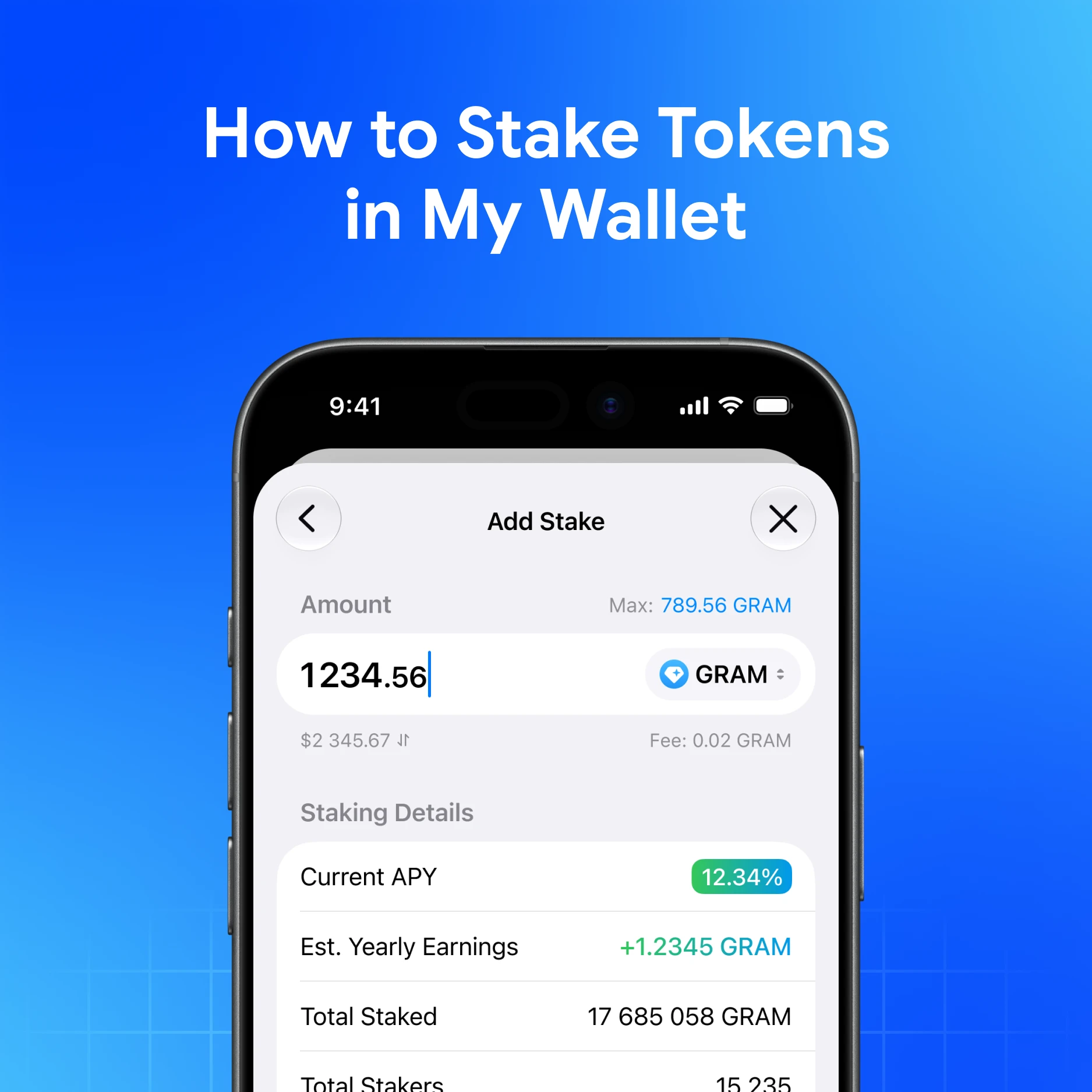
Staking in My Wallet uses the Earn section to access supported staking contracts. Staking is available for GRAM and USDe. Rewards vary and are not guaranteed—treat staking as a risk decision, not passive income.
Quick answer
Open Earn in My Wallet, choose a supported asset, review the terms and risks, then stake only what you can afford to lock under protocol rules. Withdraw using the official unstake flow—never via random “staking” DMs.
Before you stake
- Confirm you are in the official app (get.mywallet.io)
- Read what staking is and benefits and risks
- Know the minimums—minimum stake of 3 GRAM for GRAM staking
- Understand liquid staking token behavior (e.g. STAKED vs GRAM)
Steps (high level)
- Install and unlock My Wallet
- Open the Earn / staking section
- Select GRAM or USDe (as offered)
- Enter an amount and review fees/timing
- Confirm the transaction and keep the TXID
- To exit, follow how to withdraw from staking
Full UI steps: How to stake in My Wallet.
Risk notes (read these)
- Smart-contract and market risk remain
- Displayed APY figures can change; they are not a promise
- Unstaking may involve waiting periods
- Scammers fake “stake portals”—use in-app Earn only
Stake from a self-custodial wallet
Download My Wallet and stake from self-custody—you hold the keys.
FAQ
Can I stake any token?
No. My Wallet currently lists GRAM and USDe for staking. Availability can change—check Earn in-app.
Why might STAKED amount differ from GRAM deposited?
Liquid staking mechanics can show a different token amount for STAKED.
Does staking use the 0.875% swap fee?
The 0.875% fee applies to swaps via the aggregator, not as a generic “staking fee.” Review the staking confirmation screen for actual costs.