
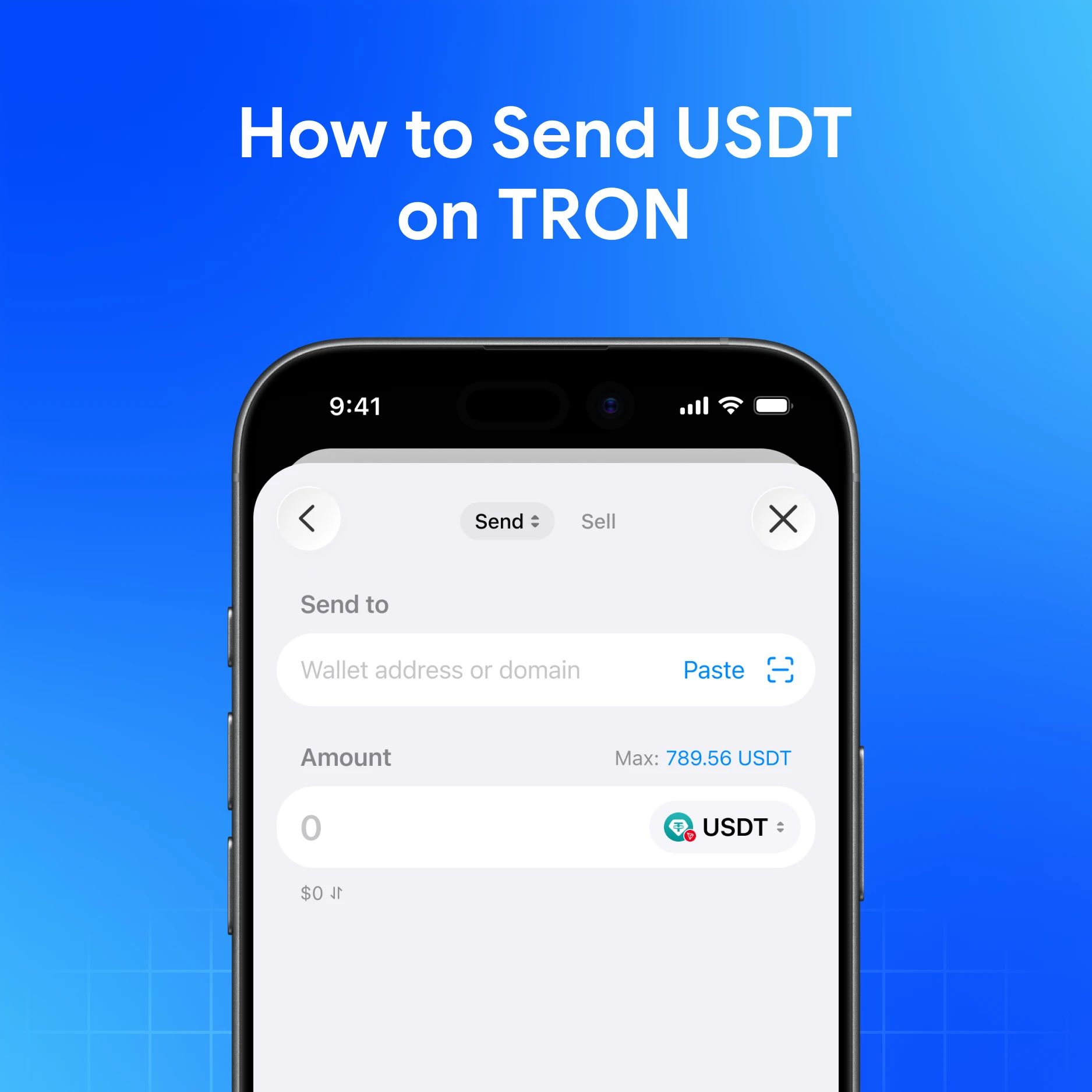
Sending USDT on TRON (TRC-20) is straightforward when you verify three things: TRON network, correct address, and fee coverage (usually TRX). Use My Wallet so labels stay clear next to your other-network balances.
Quick answer
Open My Wallet → select USDT on TRON → paste the recipient’s TRON address → review the fee → send a tiny test → then send the full amount.
Step-by-step
- Install My Wallet and unlock it
- Confirm you hold USDT on TRON (not TON/Solana/Ethereum USDT)
- Keep enough TRX for network fees if required
- Tap Send, choose USDT (TRON), paste address carefully
- Compare the first/last characters of the address on-screen vs the source
- Confirm and save the TXID
- Share the TXID if the recipient needs proof
Help reference: How to make a transfer.
Mistakes that cost money
| Mistake | Result |
|---|---|
| Sending TRC-20 to an ERC-20 address expecting auto-credit | Funds may be unrecoverable |
| Relying on look-alike addresses (poisoning) | Theft risk |
| Skipping the test send | Larger irreversible errors |
| Using a phishing “support” recovery site | Seed theft |
Send TRON USDT from self-custody
Download My Wallet to send TRON USDT from self-custody.
FAQ
Why did my USDT send fail?
Common causes: insufficient TRX/energy, wrong token selected, or network congestion. Check status via TXID.
Can I pay the fee in USDT?
On TRON, fees are typically tied to TRX/energy. Separate gasless features in My Wallet apply to selected TON/Solana transfers—not as a universal TRON rule.
Is TRON USDT the same as TON USDT?
No. Different networks.