

Quick answer
In My Wallet, open Send, choose USDT on Polygon, paste the recipient's 0x… address, enter the amount, and review the fee before you confirm. Polygon fees are paid in POL (formerly MATIC). Make sure the recipient expects USDT on Polygon (sometimes labeled "Polygon PoS"), not on Ethereum or another network, because 0x… addresses look the same everywhere.
USDT on Polygon: what it is
Polygon is its own network with its own balances. USDT on Polygon is not the same balance as USDT on Ethereum, BNB Chain, TRON, or Solana, even at the same 0x… address.
- Tether's USDT on Polygon was upgraded to a Polygon-native version called USDT0 in August 2025. In wallets and on exchanges it still appears as USDT, and the contract address stayed the same.
- The USDT contract on Polygon is
0xc2132D05D31c914a87C6611C10748AEb04B58e8F. Anyone can create a token called USDT, so compare the contract if something looks off. - Exchanges may label the network Polygon, Polygon PoS, or MATIC. They mean the same network. Pick it only if your wallet address is on Polygon.
Before you send
- Confirm the recipient supports USDT on Polygon.
- Check you hold a little POL for the fee.
- Read the network name on the Send screen, not only the token name.
Send USDT on Polygon step by step
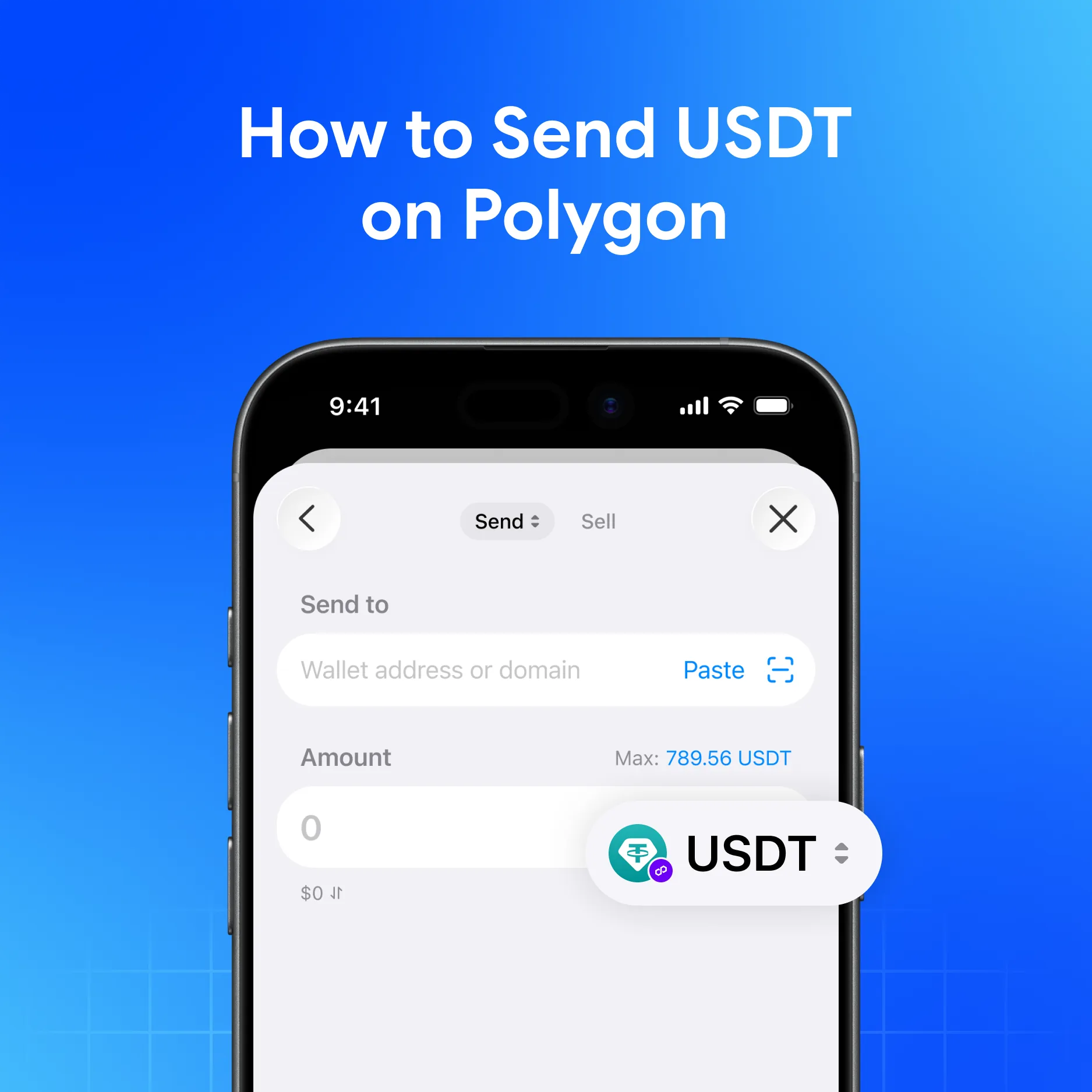
- Open Send in My Wallet.
- Choose USDT on the Polygon network.
- Paste the recipient's address or pick it from Saved Addresses.
- Enter the amount.
- Review address, network, amount, and fee, then confirm.
The in-app steps are covered in the Help Center: How to make a transfer?
Polygon fees and POL
Polygon transfers pay gas in POL, not in USDT. Fees are usually a small fraction of a cent, far lower than Ethereum, but they vary with network demand and are never zero. The confirmation screen shows the estimate before you sign. If your wallet holds USDT but no POL, plan to add a little first. If you hold another asset, you can swap a small amount for POL in the app: swaps carry a 0.875% service fee plus network fee. For how fees work across networks, see Understanding Network Fees.
Polygon vs Ethereum and BNB Chain: pick the right network
| Network | Address | Fee paid in |
|---|---|---|
| Polygon | 0x… | POL |
| Ethereum | 0x… | ETH |
| BNB Chain | 0x… | BNB |
The recipient decides the network. If someone gives you only a 0x… address, ask which network. A send to the wrong network may land where the owner can still reach it by switching networks in their wallet, but an exchange deposit address may never credit it. See How to Send USDT on Ethereum and How to Send USDT on BNB Chain for the other two.
Test first, then check the full address
- For a new recipient, send a small amount first.
- Low-fee networks like Polygon are a common target for address poisoning: scammers create look-alike addresses with the same start and end. My Wallet marks detected look-alike transfers with a Scam label, but compare the whole address anyway.
- Open the transaction in Activity, copy the TXID, and check it in a Polygon block explorer.
Common mistakes
- Sending to an Ethereum or BNB Chain address that uses the same
0x…format. - Having no POL for the fee.
- Mixing up the name MATIC with a different coin. On Polygon, MATIC is the old name for POL.
- Sending USDT to the token's own contract address.
Receiving USDT on Polygon
- Open Receive in My Wallet and choose Polygon.
- Share your
0x…address or QR code, and ask the sender to pick Polygon. The transfer appears in Activity once the network confirms it.
Start with a secure wallet
Download My Wallet to explore crypto with self-custody. You hold the keys.
FAQ
Do I need POL to send USDT on Polygon?
Polygon fees are paid in POL, so keep a small POL balance and check the fee on the Send screen before you confirm.
Is USDT on Polygon the same as USDT0?
Tether upgraded USDT on Polygon to USDT0 in 2025. It is shown as USDT, and you send and receive it the same way.
Can I send Polygon USDT to an Ethereum address?
The address may look valid, but the transfer stays on Polygon. Pick the network the recipient expects, and send a small test if you are unsure.
Can a Polygon transfer be cancelled?
No. Blockchain transfers can't be reversed once confirmed.