

Buying crypto safely is mostly about official apps, small first purchases, and never sharing your seed phrase. You can buy inside a non-custodial wallet or on an exchange—then move funds carefully.
Quick answer
Install My Wallet from official links, create a wallet, back up the seed offline, then buy a small amount with a card where available—or buy on a trusted exchange and withdraw to your wallet address on the correct network.
Safety checklist before you buy
- Download only from get.mywallet.io or mywallet.io
- Write the seed phrase on paper (not screenshots/cloud notes)
- Enable lock/biometrics (secure My Wallet)
- Start with an amount you can afford to learn with
- Ignore DMs offering “guaranteed” profits
Buy in My Wallet (card)
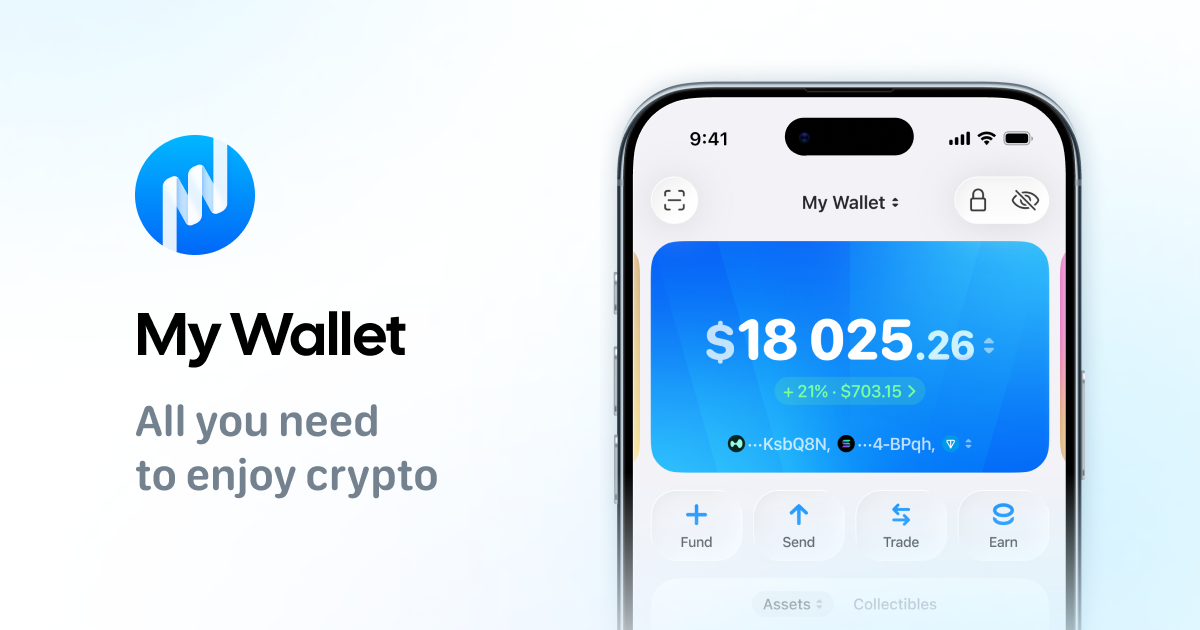
Where supported, use the in-app card purchase flow (Help: buying with a bank card). Review the asset, network, and fees before confirming.
Buy on an exchange, then withdraw
- Complete exchange KYC if required in your region
- Buy the asset
- Withdraw to My Wallet using the matching network address
- Send a tiny test withdrawal first
- Confirm the TXID in a block explorer if unsure
Common traps
- Fake wallet sites and ads
- Support impostors asking for seeds (@mysupport never will)
- Wrong-network withdrawals (USDT especially)
- “Double your coins” giveaways
Buy small, hold with self-custody
Download My Wallet and buy small amounts safely—you hold the keys.
FAQ
Is buying in-wallet safer than an exchange?
Different risks. In-wallet purchases still involve providers; exchanges add custody risk until you withdraw.
Do I pay swap fees when buying with a card?
Card purchases use on-ramp partners. Swaps are separate and include a 0.875% aggregator service fee plus network fees.
What if regulations block card buys?
Use a compliant exchange in your region, then withdraw carefully—or check local rules first.