
Quick answer
Ethereum and EVM networks power most DeFi, NFTs, and many token standards. You pay gas in each chain’s native token (ETH on Ethereum, etc.). My Wallet supports major EVM networks alongside Bitcoin, Solana, Hyperliquid, TON, TRON, and others—so you can hold ETH, stables, and tokens without juggling separate apps.
Ethereum vs EVM in plain language
- Ethereum: the original EVM chain; deepest liquidity and dapp set
- EVM-compatible chains: similar developer model, often lower fees or different ecosystems (Base, BNB, Arbitrum, Polygon, Avalanche, Monad, Robinhood, Hyperliquid as an EVM network in My Wallet, and more)
- Same-looking addresses: many EVM chains use
0x…addresses—but assets are not interchangeable across chains without a bridge or cross-chain swap
What you can do in My Wallet
- Store tokens on supported EVM networks
- Send/receive with fee previews
- Swap on-chain or cross-chain via the aggregator (0.875% service fee on swaps, plus network fees)
- Connect to dapps via WalletConnect where supported
- Keep a small native gas balance so balances and sends work reliably—see supported cryptocurrencies
First steps on Ethereum / EVM
- Install My Wallet
- Back up your seed phrase offline
- Pick one network to start (often Ethereum or Base)
- Fund a little native gas + a small test token amount
- Make a test send, then explore swaps or dapps carefully
When to use which EVM network
| Network | Common reason to use it |
|---|---|
| Ethereum | Deepest DeFi and NFT liquidity |
| Base / Arbitrum | Lower fees for many app interactions |
| BNB | Ecosystem apps and tokens on BNB Chain |
| Polygon / Avalanche | Specific apps and regional ecosystems |
| Hyperliquid | Trading-focused EVM use via Explore |
Always confirm the exact network the dapp or counterparty expects.
One wallet for EVM and beyond
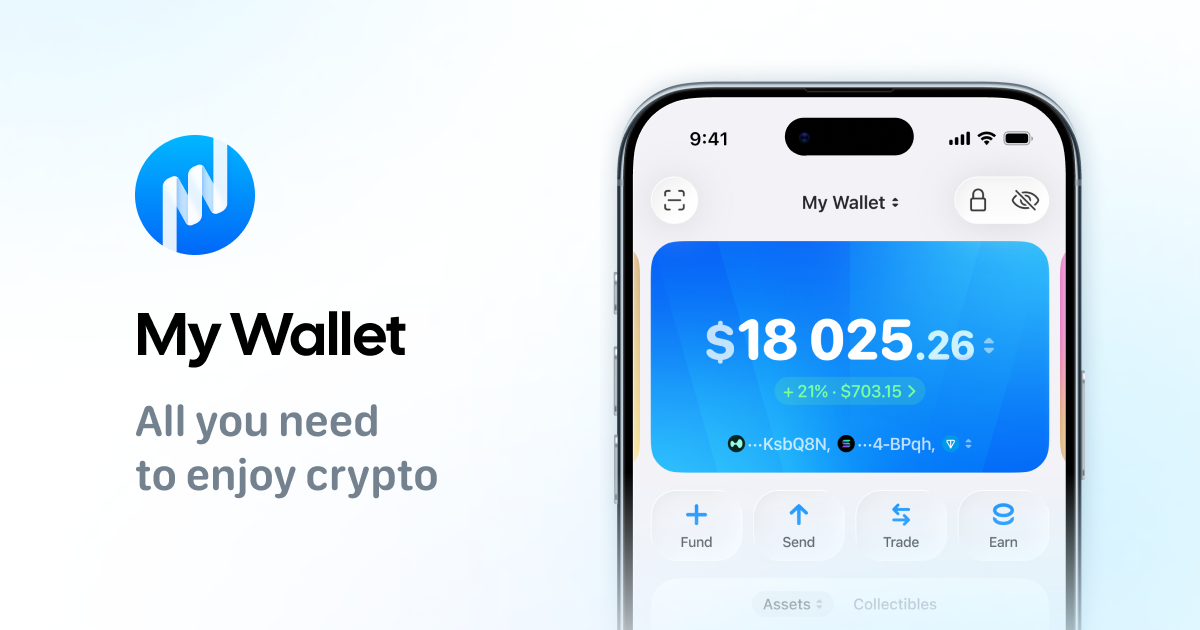
Download My Wallet for Ethereum and EVM networks in one self-custody app.
FAQ
Is USDT on Ethereum the same as USDT on TRON?
No. Same ticker, different networks. Sending to the wrong network can lose funds.
Why did my EVM token not show up?
You may lack native gas on that network, or the token needs to be added/displayed.
Do I need MetaMask to use Ethereum?
No. Any compatible non-custodial wallet works. See My Wallet vs MetaMask.
Are Layer 2s risk-free?
No. They can reduce fees but still involve smart-contract and bridge/swap risks.